Makerblox - Create Skins
Lyrebird Studio
Updated
Oct 10, 2026
Category
Game
Installs
10M+
Rating
Everyone
Gallery
6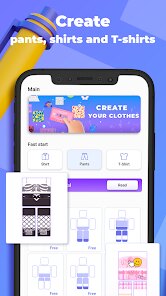
Editor's Verdict
Makerblox – Create Skins: Custom Avatar Studio
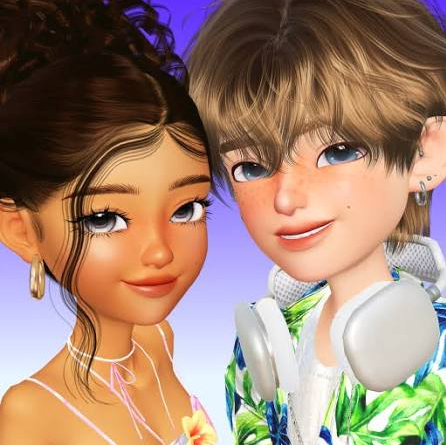
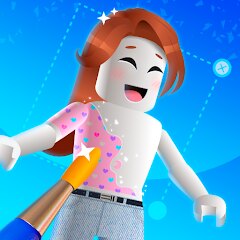
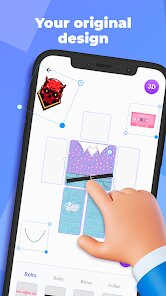
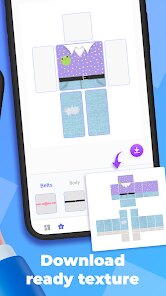
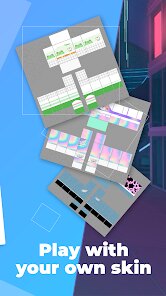
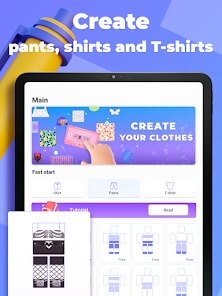
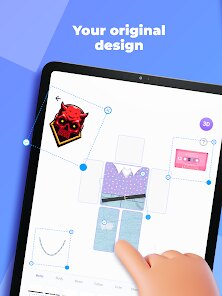
Makerblox – Create Skins is a creative skin editor that lets players design block-style characters from scratch 😎. Mix colors, outfits, and tiny details to build unique avatars that reflect your personal style across compatible games. Creative Dress-Up Sandbox ✨ Combine clothing pieces like hoodies, armor, masks, and accessories in endless combinations. Experiment freely with styles, save multiple designs, and switch between looks whenever you want, turning the editor into a full fashion playground. Simple Tools, Deep Customization 😉 Easy tap-and-drag controls make it beginner-friendly, while layered editing tools offer more control for detailed creators. No design experience is needed—just imagination and experimentation. Save, Share, and Play 🚀 Export your finished skins to your device and use them in supported block-style games. Share your creations with friends or build themed sets like ninjas, astronauts, or custom squads for fun roleplay setups.
Advanced Strategies
Core Gameplay Overview
Open the editor, build your character step by step, and customize every part of the avatar 🎮. Once finished, save and export your design for use in other games.
Select a Base Model
Tap “New” to start a design and choose a base body type such as classic, slim, or themed templates depending on your character idea.
Customize Body Sections
Edit the head, torso, arms, and legs individually. Apply colors, textures, or patterns directly onto the model to shape your design.
Add Clothing & Accessories
Browse the wardrobe for shirts, pants, shoes, hats, masks, and more 😍. Try combinations and adjust colors to match your concept.
Rotate and Fine-Tune Details
Rotate and zoom the model to check every angle. Use smaller tools for precise details like logos, facial features, or stripe patterns.
Save and Export Your Skin
Once satisfied, save your creation and name it. Export the file in the correct format so it can be used in other compatible games.
Import into Games
Open a supported block-style game, go to the skin settings, and import your file. Your custom avatar is now ready to use ✌️.